





Upload in minutes
Your game as a ZIP with an index.html, plus three thumbnails. The upload is checked and unpacked automatically.
Upload your HTML5 or WebGL build, play-test it in a private preview, get it reviewed by the ORG team and go live in the OnlineRealGames catalogue — playable instantly in any browser, no download.
A simple pipeline built for browser games — from your first upload to the moment players start clicking “Play”.
Your game as a ZIP with an index.html, plus three thumbnails. The upload is checked and unpacked automatically.
Play-test your build privately before anyone else sees it, in the same kind of frame players will use.
Follow every step of the review and get plain notes from the ORG team if something needs a change.
Upload new versions any time with a changelog. Your full version history stays in the portal.
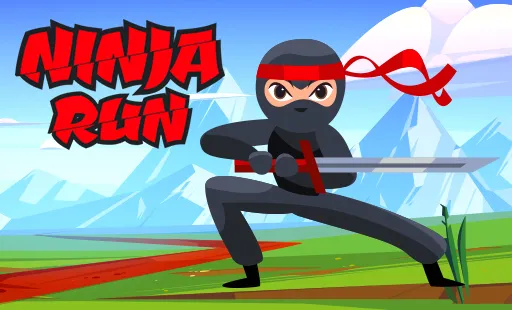
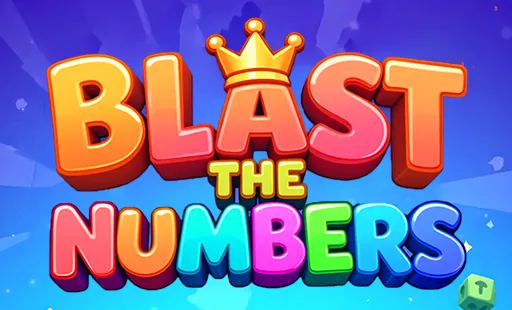
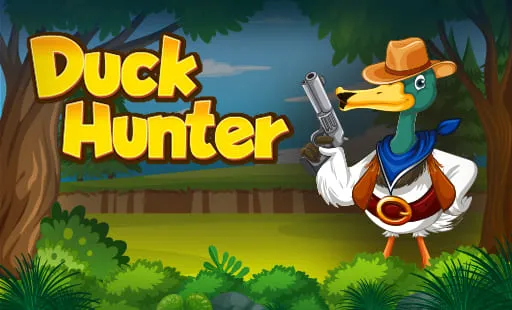
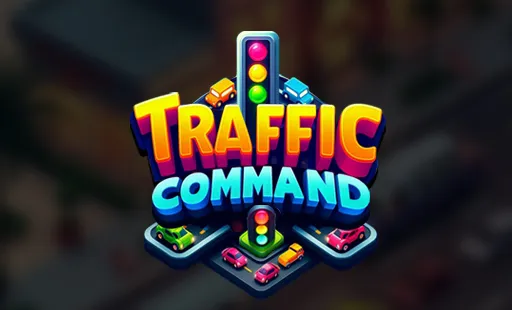
Every game needs three thumbnails. Drop yours in and preview exactly how they'll look in the catalogue — nothing is uploaded, it all stays in your browser.
Preview only — your files never leave your browser.
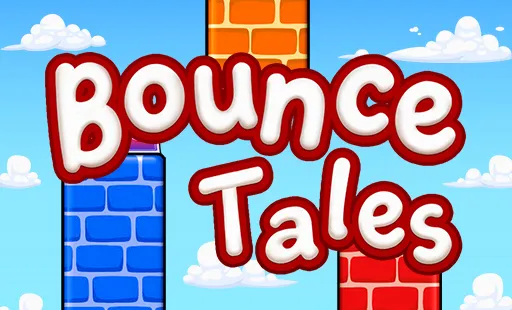 Bounce Tales
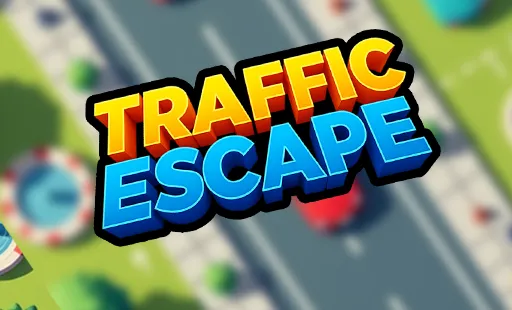 Traffic Escape
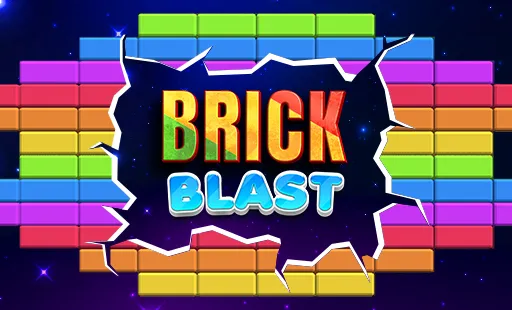 Brick Blast

 Traffic Escape
 Brick Blast
Click a step — or just watch, it plays on its own.
The portal uses the same account as OnlineRealGames. Log in with your registered email and password, or continue with Google — your developer profile is created automatically the first time you open the dashboard.
Add your game's title, description, controls and category, upload the three thumbnails and your ZIP, then open the private preview to make sure everything loads and plays as you expect.
index.htmlWe check that the game loads reliably, works on the devices it claims to support, performs well and suits our audience. You'll get a notification at every status change — and clear notes if anything needs fixing.
Approved games are published into the OnlineRealGames catalogue with their own game page, listed in their category and playable instantly in the browser.
If it exports to the web, it can run on OnlineRealGames. Pick your engine to see how to package it.
Zip the folder that contains your index.html together with all scripts, images and audio. Keep every path relative.
my-game.zip
├─ index.html
├─ js/game.js
└─ assets/…
Build for the WebGL platform, then zip the whole build output folder exactly as Unity created it.
my-game.zip
├─ index.html
├─ Build/…
└─ TemplateData/…
Export the project as a Web (HTML5) build and zip the exported folder.
my-game.zip
├─ index.html
├─ scripts/…
└─ images/…
Run your production build and zip the output folder (for example dist/) that holds index.html.
# production build
npm run build
# zip the contents of dist/
Use Export → Web, then zip the exported files. Rename the exported HTML file to index.html if needed.
my-game.zip
├─ index.html
├─ index.js
├─ index.wasm
└─ index.pck
Create an HTML5 (or GX.games/Web) export and zip the output folder with its index.html.
my-game.zip
├─ index.html
└─ html5game/…
Tick off each item — when the ring turns green, your build is ready for review.
The same account you use on OnlineRealGames. Log in with your registered email and password or with “Continue with Google”. If you don't have an account yet, create one — you'll be brought straight back to the portal.
Three images: thumb_1 512×310 px (landscape card), thumb_2 512×512 px (square) and thumb_3 384×512 px (portrait). JPG, PNG or WebP up to 5 MB each. A larger image with exactly the same shape is scaled down for you. Try them in the Thumbnail Studio above.
No. Submitting a game is free. Revenue share and payouts are not part of this first release of the portal — see the developer terms for details.
You do. You keep all rights to your game and its assets, and give OnlineRealGames a non-exclusive licence to host and show it on the website and apps.
Browser games that run from an index.html: HTML5/JavaScript, Unity WebGL, Construct, Phaser, Godot, GameMaker and other web exports. Read the submission guidelines for the full technical requirements.
Every status change appears in your dashboard and notifications. If the team requests changes, you'll see their notes and can upload a fixed version and resubmit.
Yes. Upload a new version with a changelog from “My Games”. Every version is kept in your version history.
Create your account — or log in with Google — and submit your first build today.